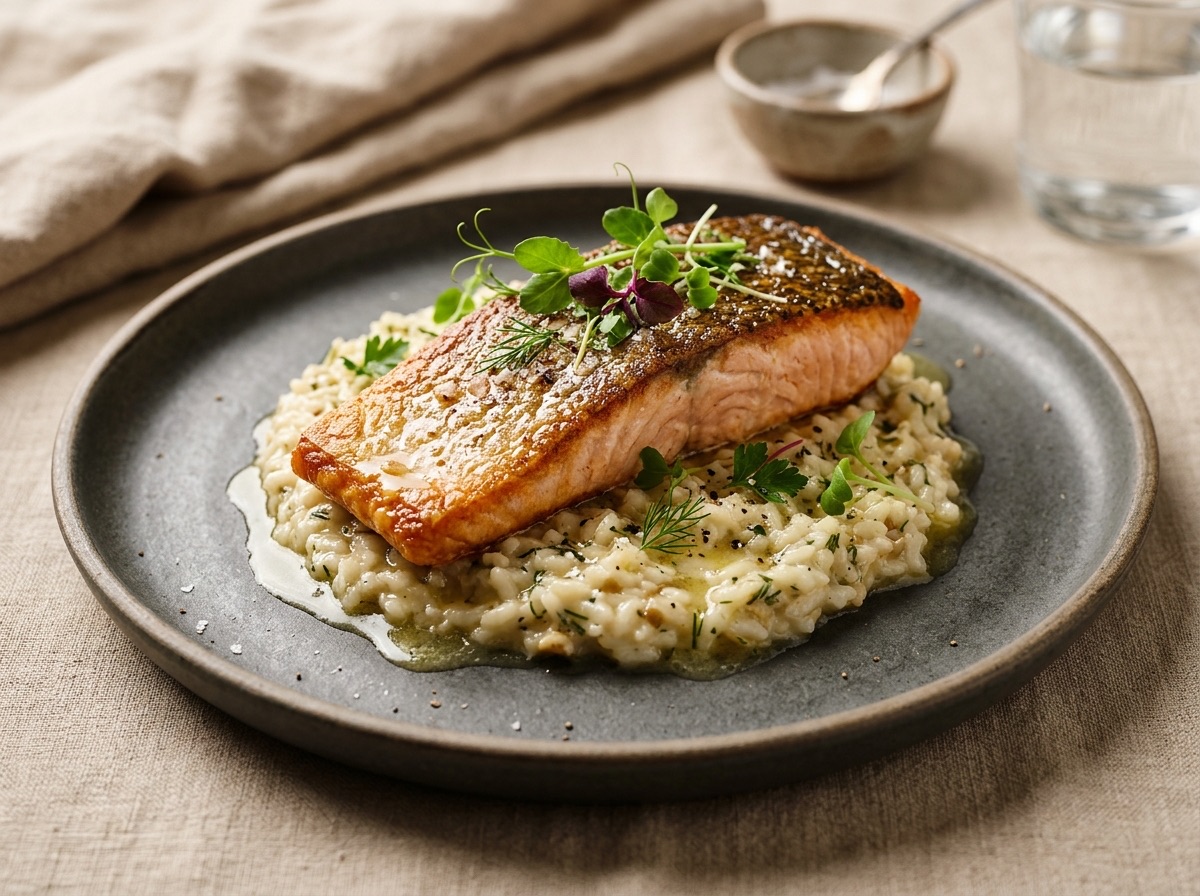
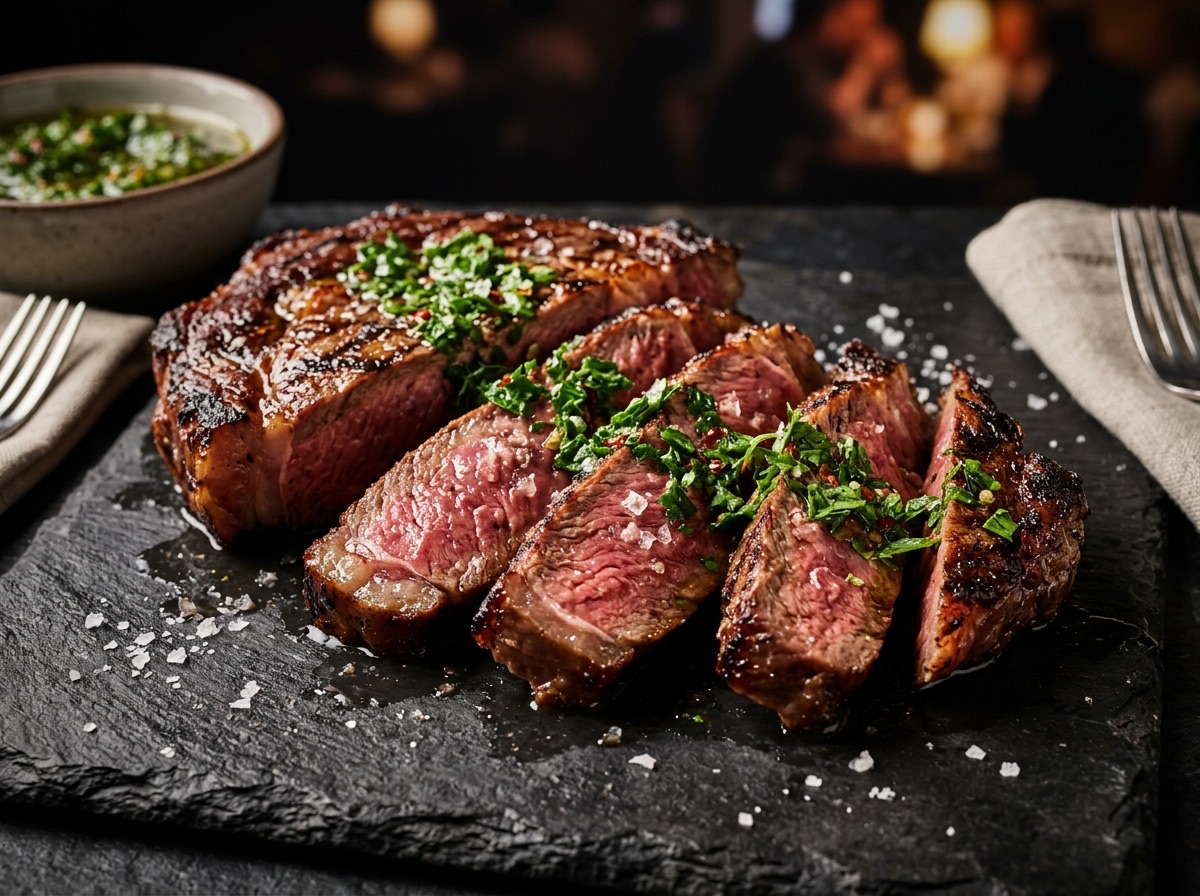
Prompt
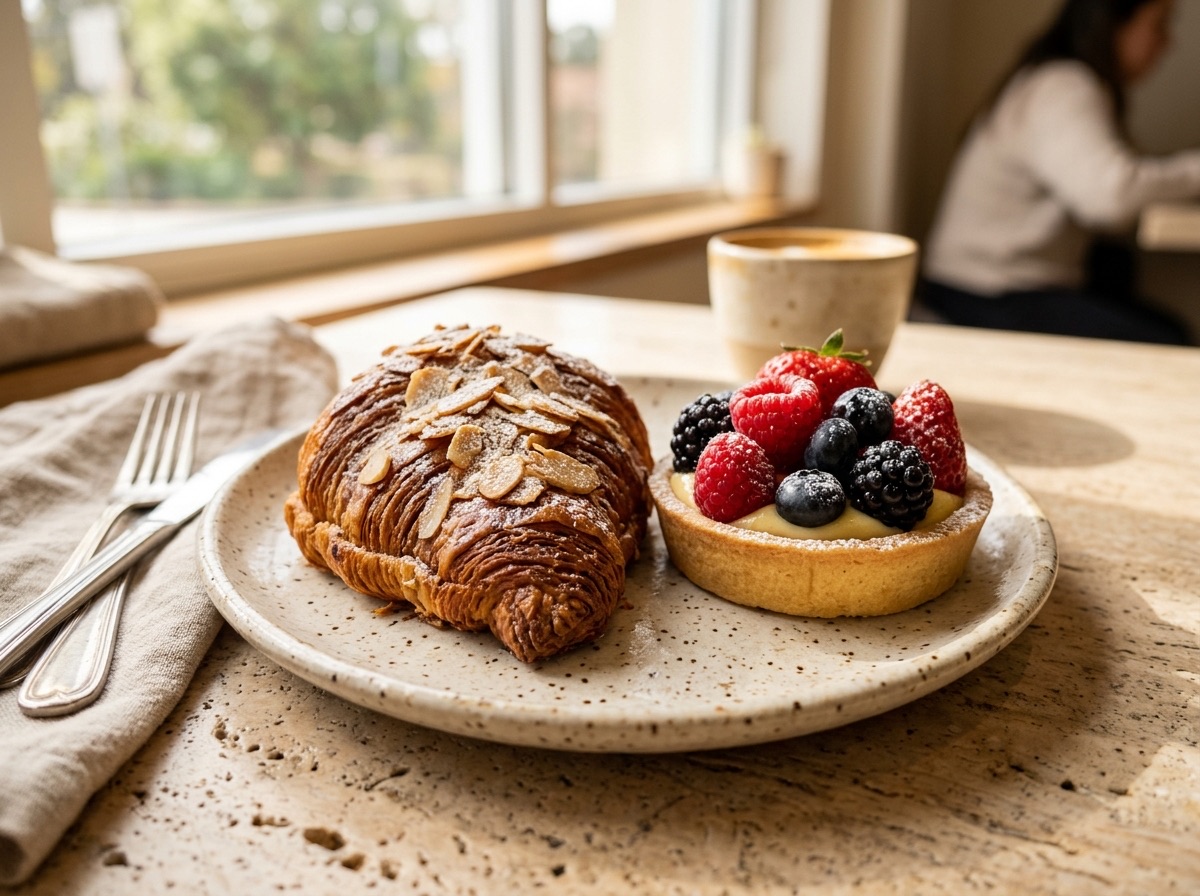
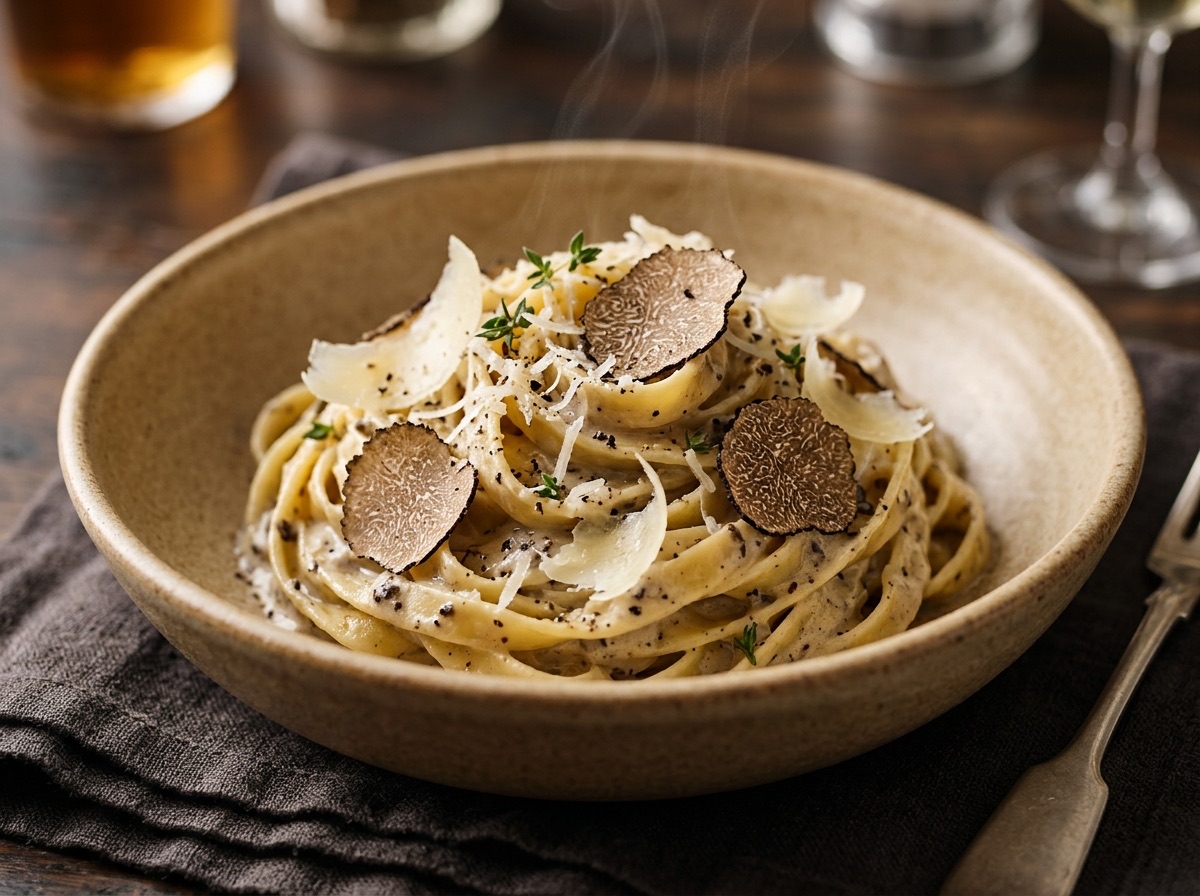
Template 1 of 4Relight this dish with warm directional bistro window light, place on speckled ceramic stoneware over aged oak wood, keep exact food portion and ingredients intact.
Turn casual smartphone snapshots of the dishes you actually cook into appetizing 4K studio photos with our AI food photo editor—no lighting rig needed.
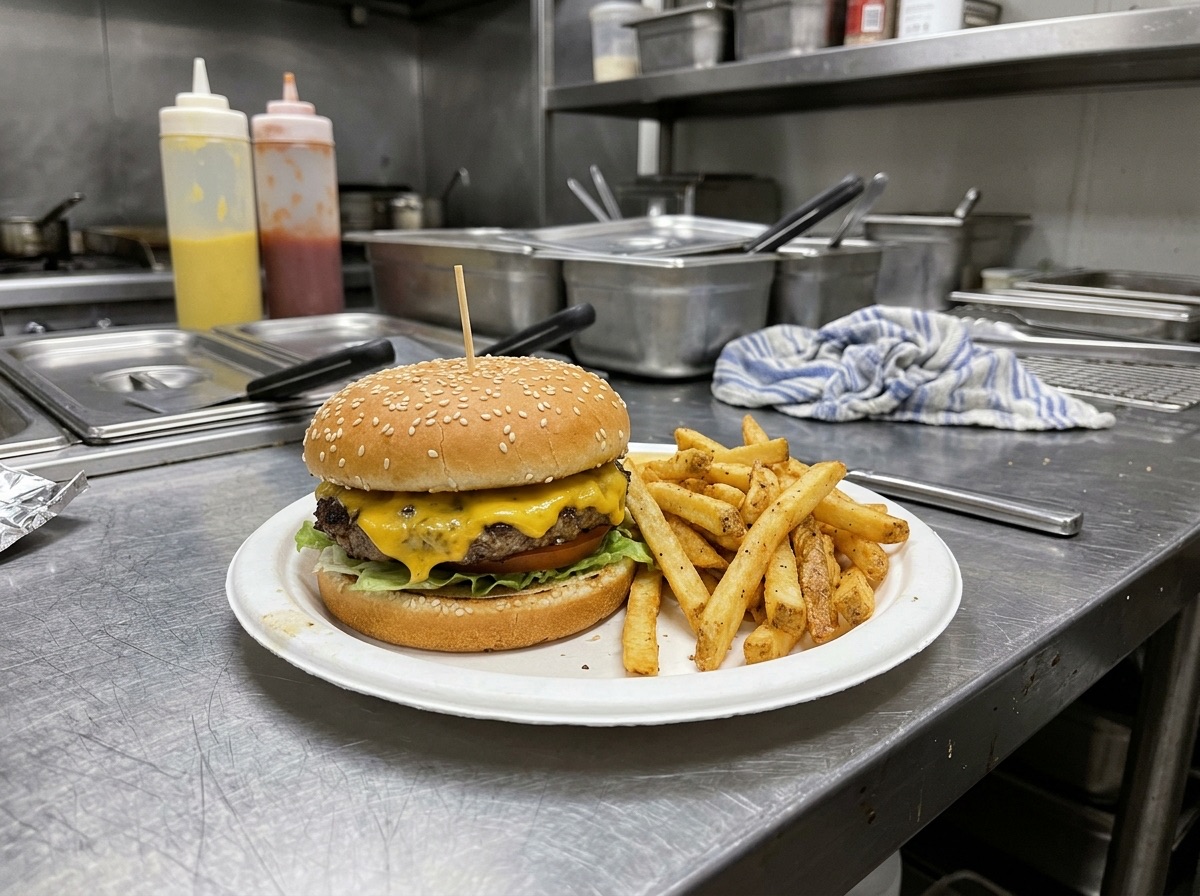
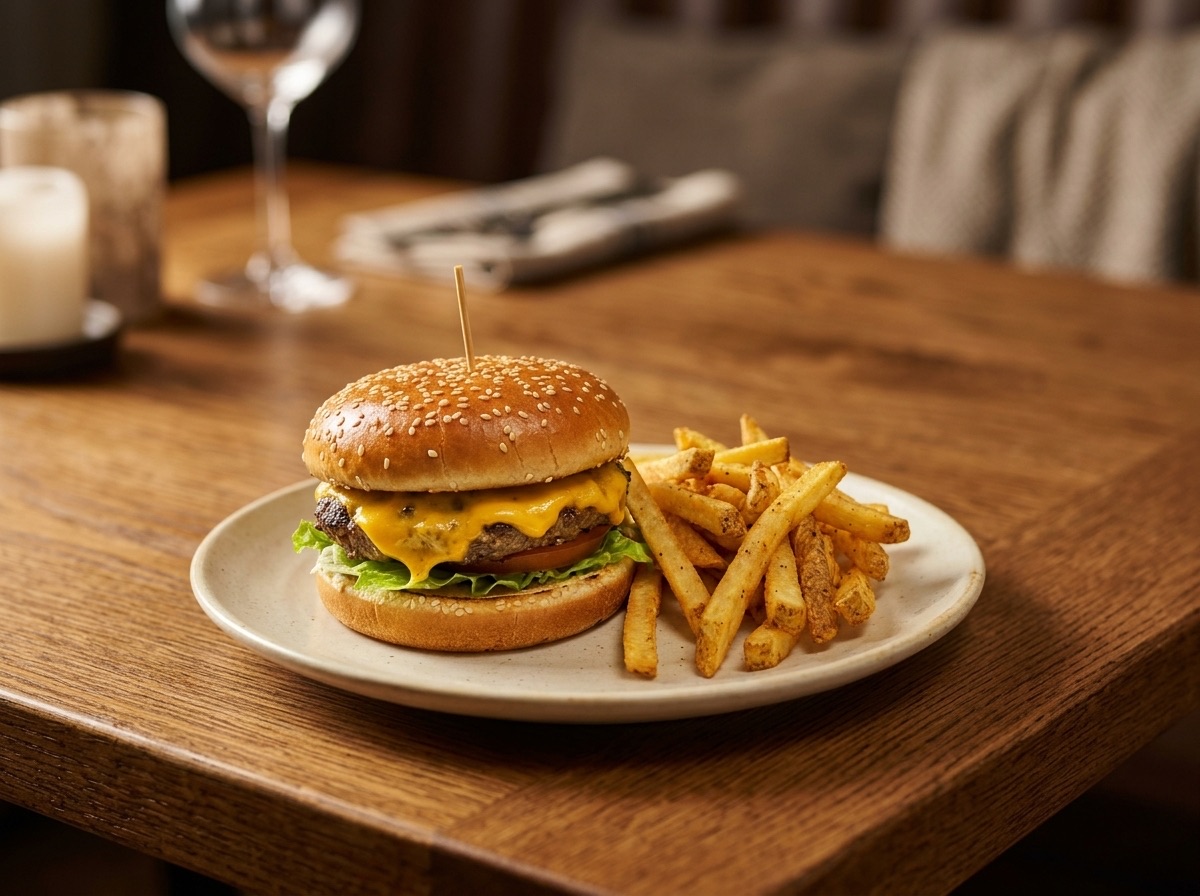
BeforeAfterSame burger and fries from a stainless prep counter relit onto speckled stoneware.
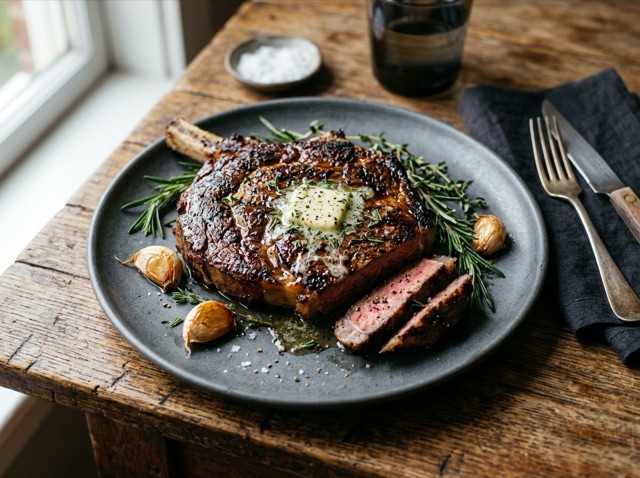 Rosemary Ribeye & Pan Jus · Speckled Stoneware · Warm Side Window
Pick a dining surface, vessel material, and studio light direction once, then load that exact recipe straight into the workbench.
Snap your plated dish at a 45-degree or overhead angle and upload up to three reference photos into the AI food photo editor.
Pick Warm Bistro Wood, Bright Marble Daylight, Moody Michelin Slate, or Clean Delivery White in the AI food photo editor and refine your prompt.
Review your enhanced dish against the original snapshot, then download a watermark-free image saved privately in My Creations.
Upload your smartphone dish photo and pick a tabletop preset—our AI food photo editor relights flat kitchen shadows, restores natural sauce glaze, and replaces cluttered prep counters with clean dining surfaces. Built as a dedicated food photography platform and AI food image enhancer for restaurants, bakeries, and delivery kitchens, it keeps your real portion intact.
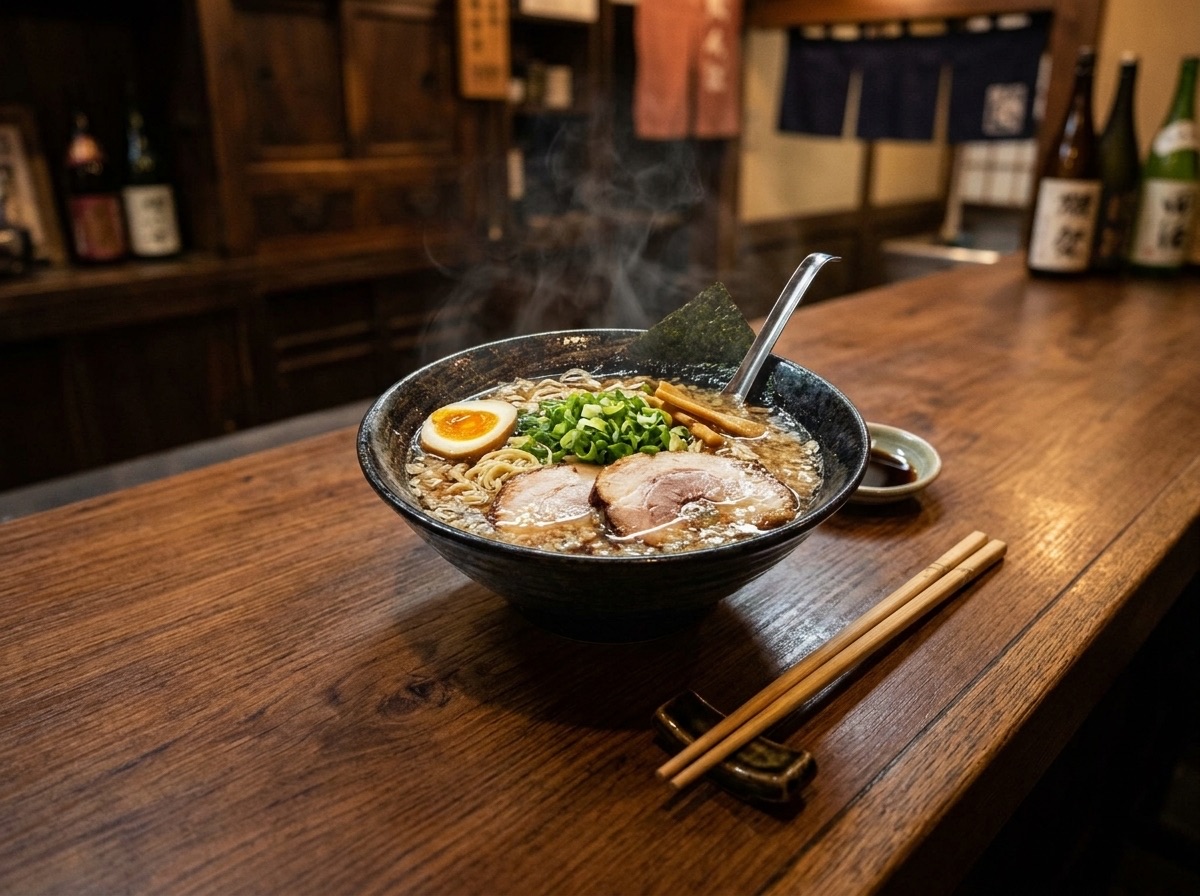
No—when you upload a clear reference photo, the AI food photo editor locks onto your real burger patty, toppings, broth, or pastry geometry and focuses changes on lighting, color balance, plateware, and tabletop background. Avoid vague prompts asking to "add extra toppings" so delivery customers receive the exact dish pictured on your listing.
Wipe any sauce smudges off the rim, step back slightly so the entire plate rim is visible inside the frame, and hold your phone steady at either a 45-degree diner angle or straight overhead (90 degrees). Turn off your phone camera flash—even dim kitchen ambient light upgrades far more naturally than harsh direct flash reflections.
General chat assistants like Claude can critique composition or suggest Lightroom slider numbers, but they cannot directly relight food textures, swap a paper plate for stoneware, or output 4K pixel-accurate commercial photos. Using a dedicated AI food photo editor executes real image-to-image culinary relighting and backdrop replacement in one pass.
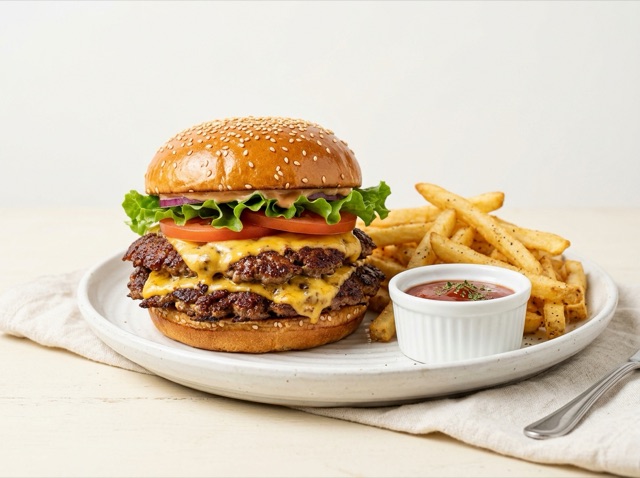
Yes. Major delivery marketplaces reject dark, blurry, collaged, or text-overlay images, and penalize stock photos that misrepresent the meal. Exporting a 4:3 or 16:9 image in Clean Delivery White or Warm Bistro Wood gives you bright, borderless, watermark-free photography of your genuine dish with zero overlaid logos.
You can upload JPG, PNG, or WebP dish snapshots up to 10 MB per file (up to 3 reference angles per task). Standard 1K edits cost 40 credits, 2K edits cost 50 credits, and 4K print-grade exports cost 80 credits. Every new account receives 80 free welcome credits, and failed tasks automatically release held credits.
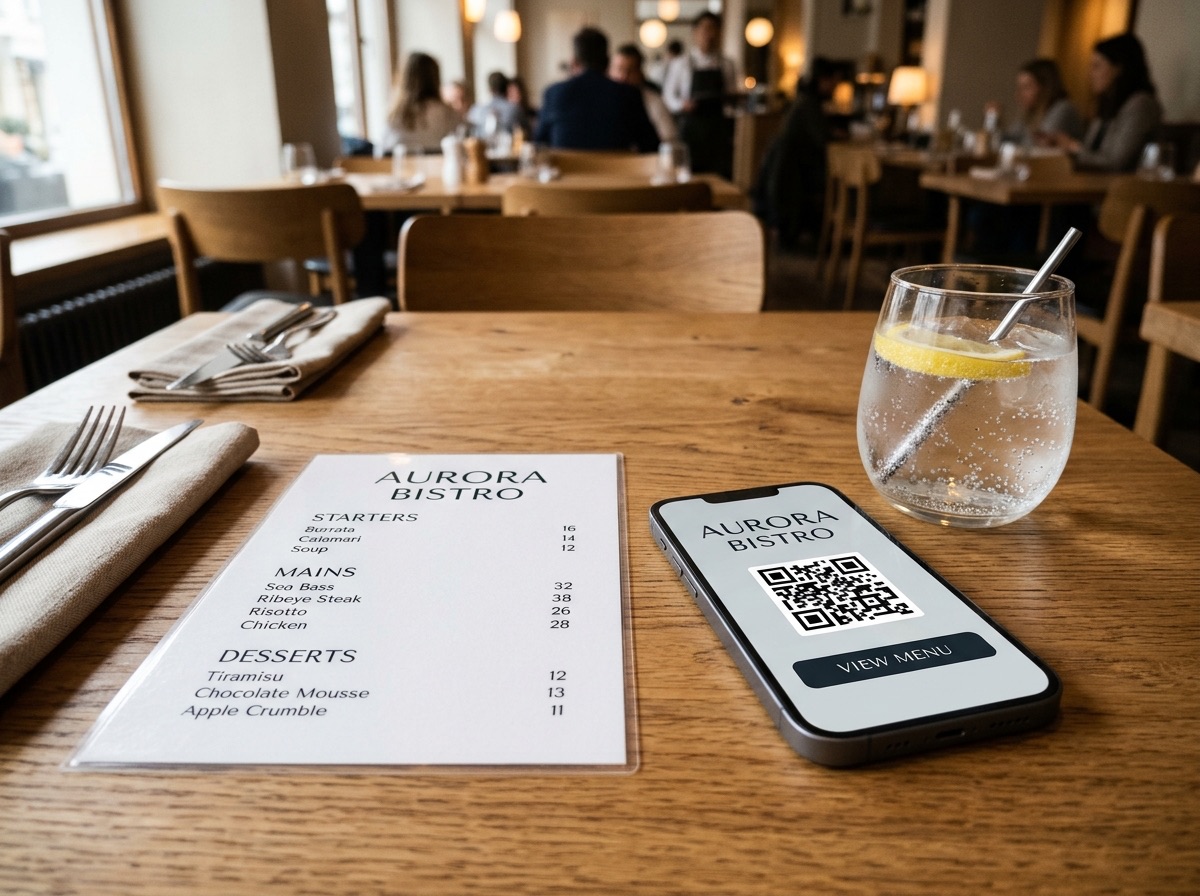
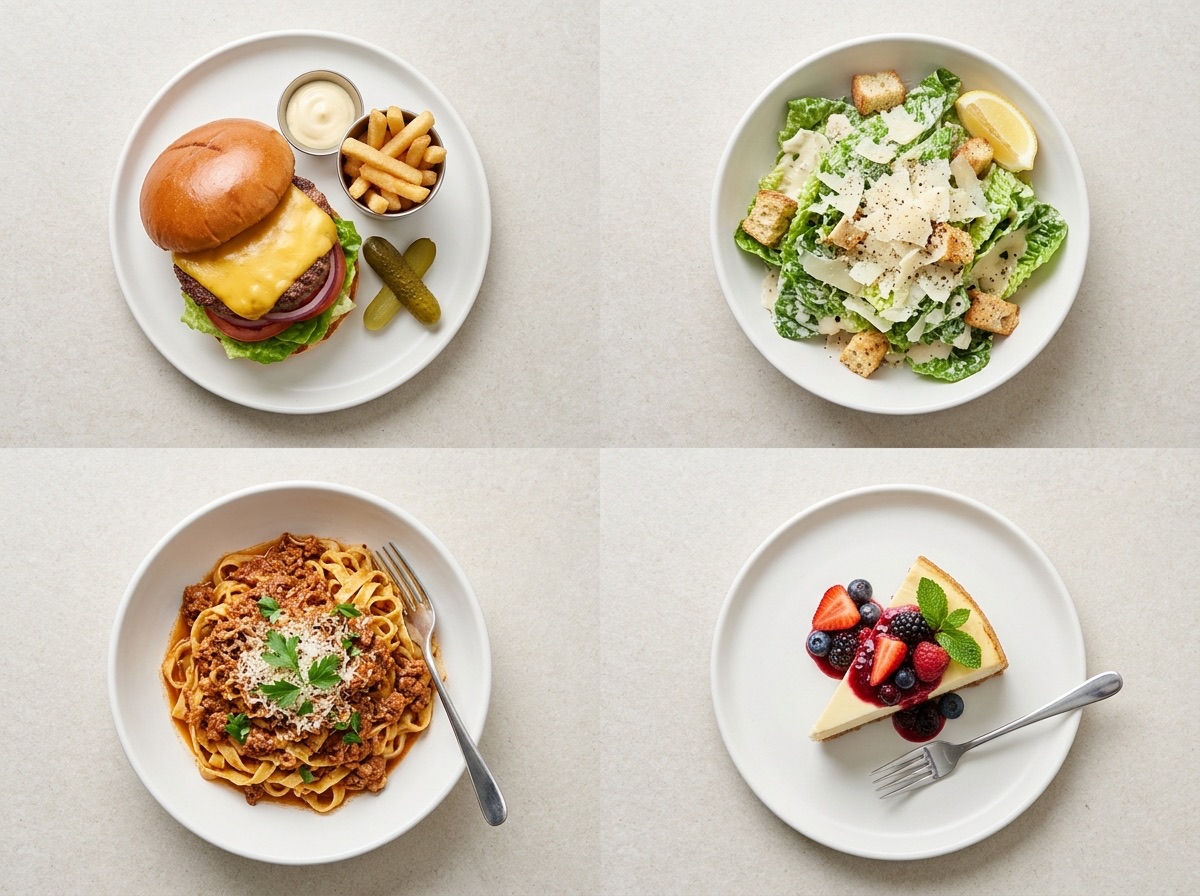
Select one visual style preset—such as Warm Bistro Wood or Bright Marble Daylight—and reuse the same aspect ratio across every upload. Locking the preset keeps wood grain tone, shadow direction, and depth of field consistent from starters through desserts so your entire menu grid looks shot in one afternoon.

Skip the $2,000 photographer quote. Upload one phone snapshot or test our raw burger sample to see studio lighting and tabletop styling in under a minute.
Enhance Your Dish Photo